

Google is burying “Epidemic of Fraud” in search results. We think that is grossly unfair. In this comparison of the same search for ‘epidemic of fraud’, Google search pushed down results almost 40 results below, despite our ownership of EpidemicOfFraud.com. Brave search puts us right at the top, which is the logical position for a default URL on a working website.
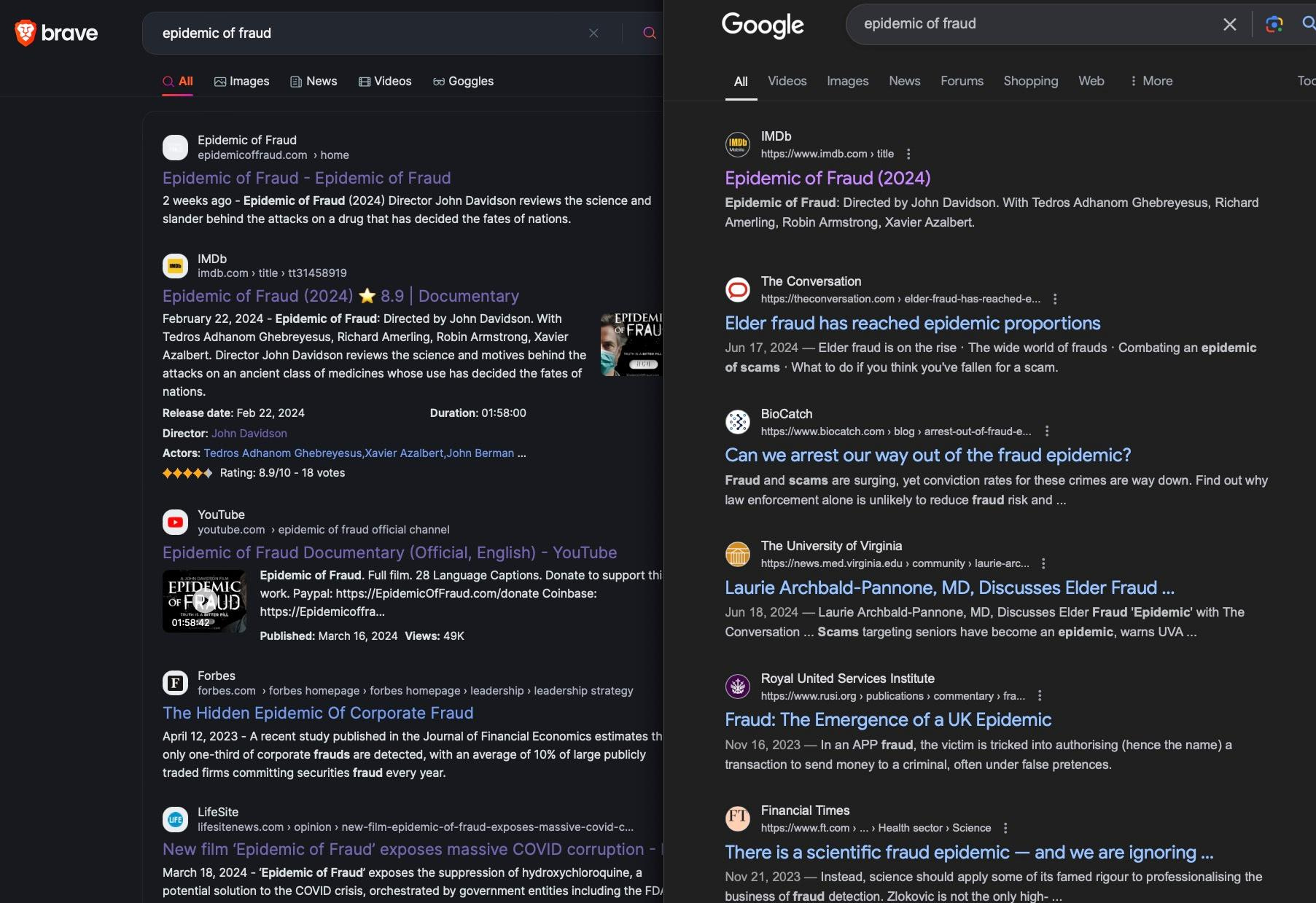
Make no mistake, Google’s decision to bury my film is intentional.
Change your default safari browser to Brave.

I’m a die-hard Mac user. I like the Safari browser. I also like the Brave browser, but it doesn’t always integrate with the Mac OS like Safari does. Brave also makes a search engine. Apple doesn’t let you change your search engine to Brave. For $3 we found a way to change the default search engine to Brave’s while still using the Safari browser.
*Note: We do not receive any money for this referral.
Step 1. Install this browser extension app from the Mac App Store. It costs $2.99.
Step 2. Open Safari preferences and enable the Safari extension ‘xSearch’.
Make sure the box next to xSearch is checked after installation.
*you can open Safari preferences by pressing ‘command’ plus ‘,’ (comma) keys at the same time. I also allow it in private browsing, but you can leave that part unchecked.
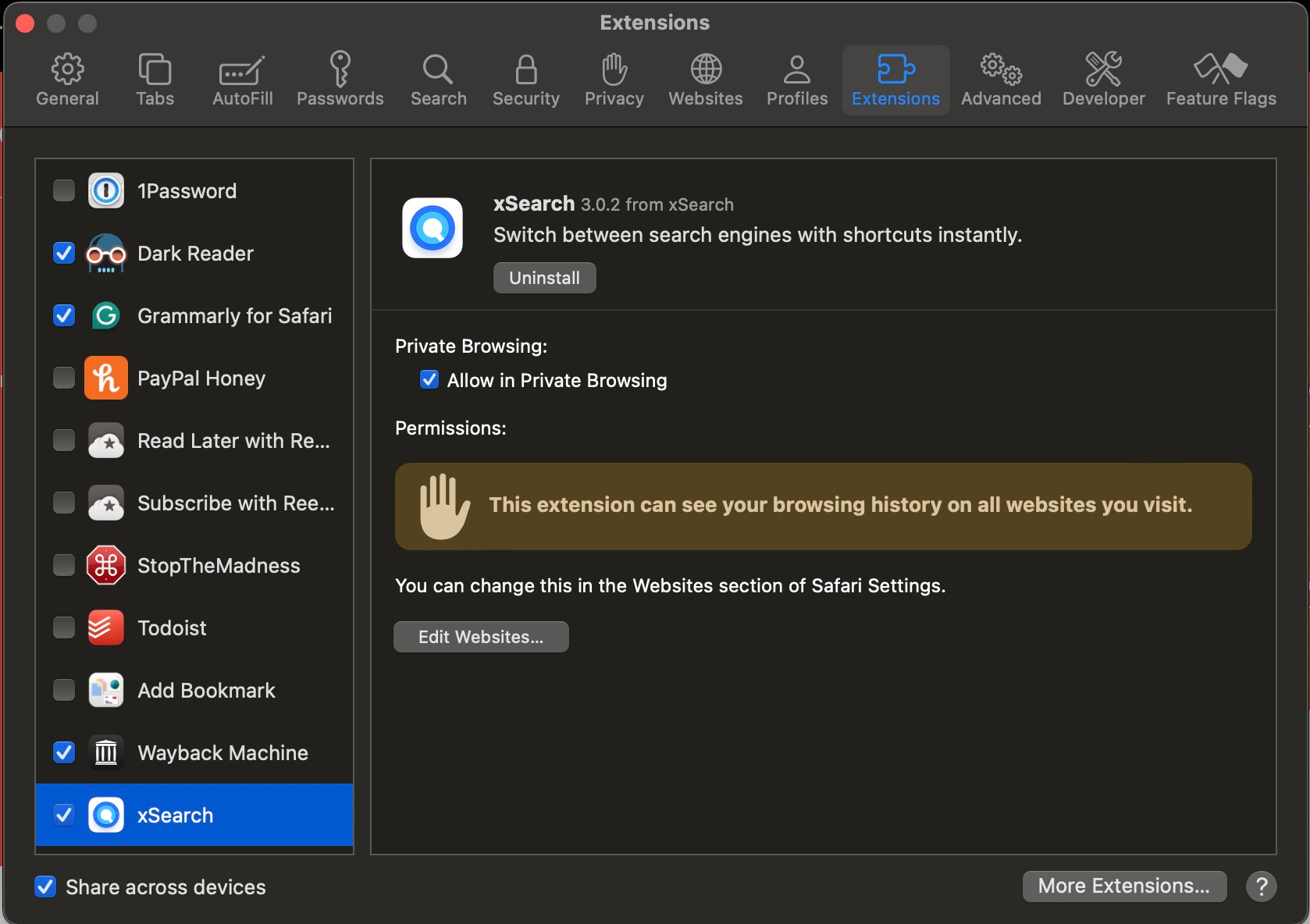
Step 3. Open xSearch settings to change the default search.
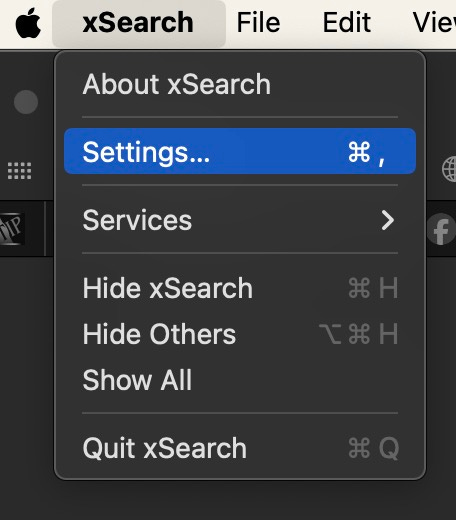
The last thing you have to do is set your default search engine to Brave. This means anything you search for in the search bar will default to Brave’s less-biased search engine. While you have xSearch open, go to the menu bar and select ‘Settings’.
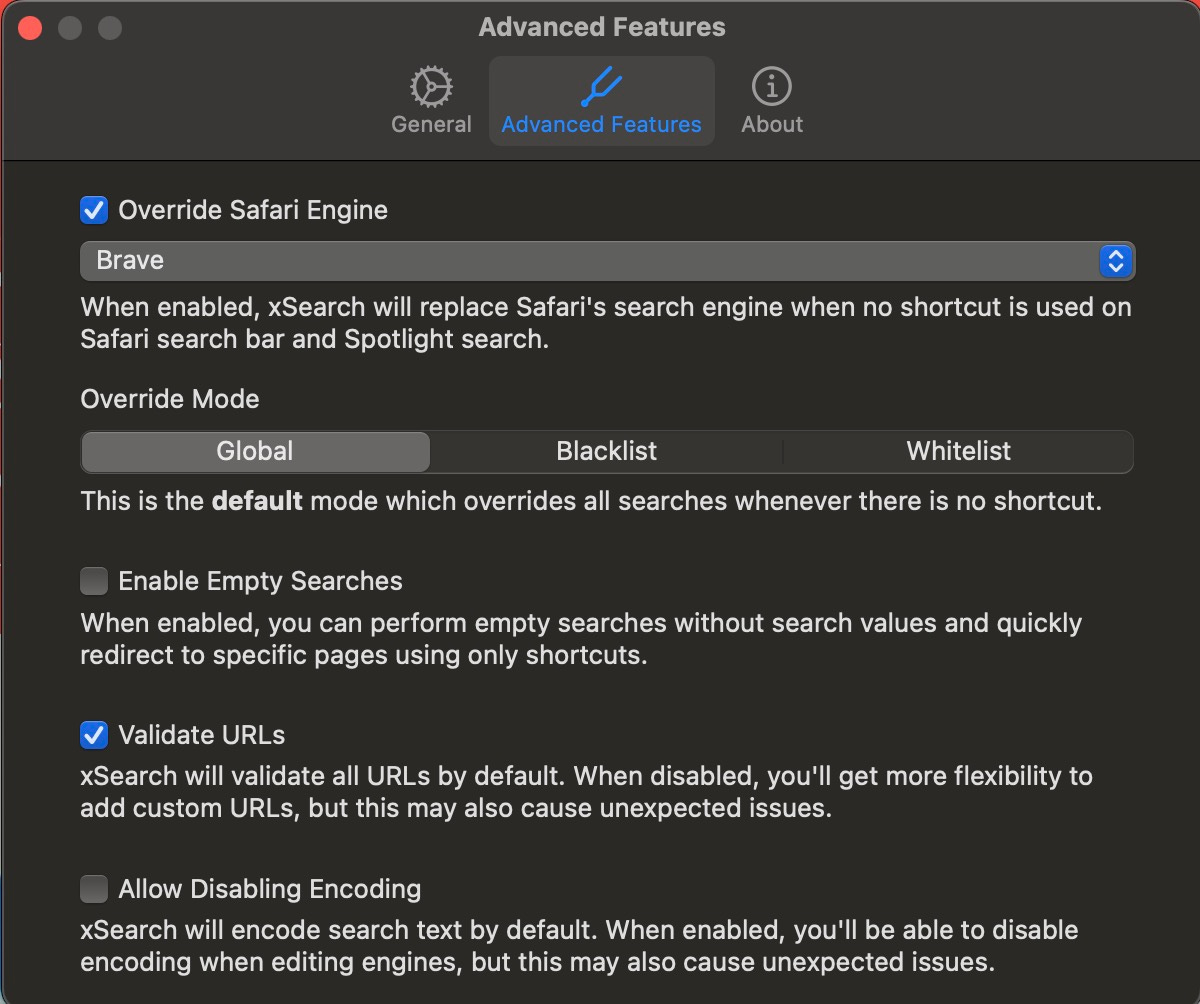
Then check ‘Override Safari Engine’.
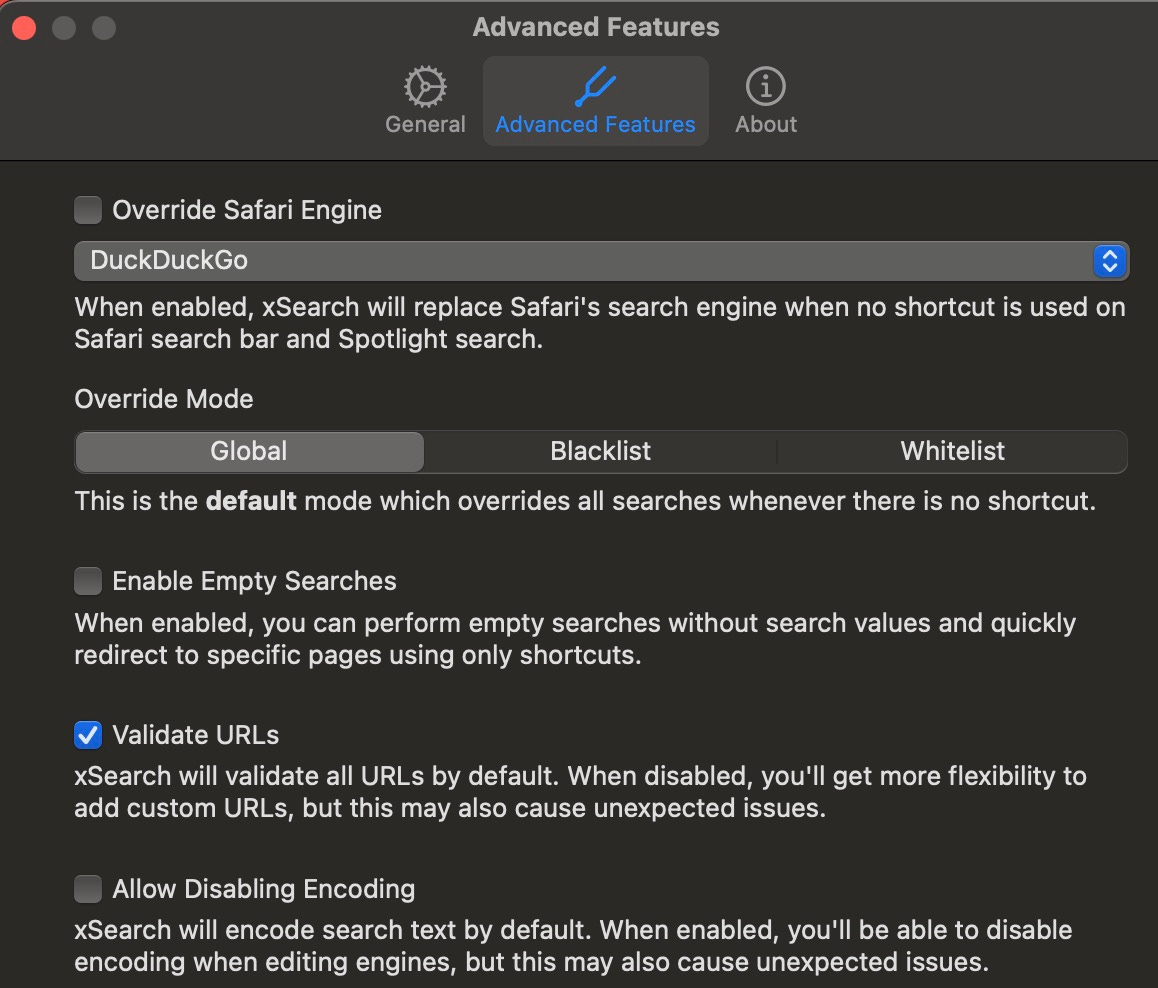
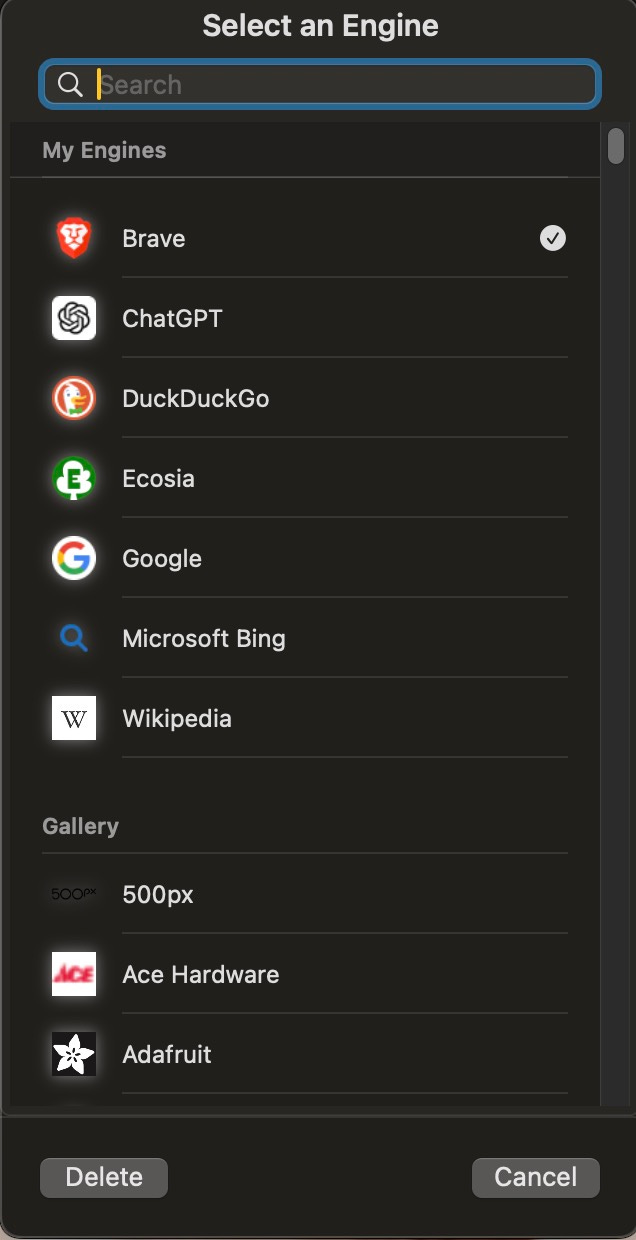
Select the dropdown and select ‘Brave’ from the list of engines. You can pick any other engine you prefer - if you scroll down the developer has made a list of practically every public search engine. Pick your favorite!
When you’re done you’ll look like this.
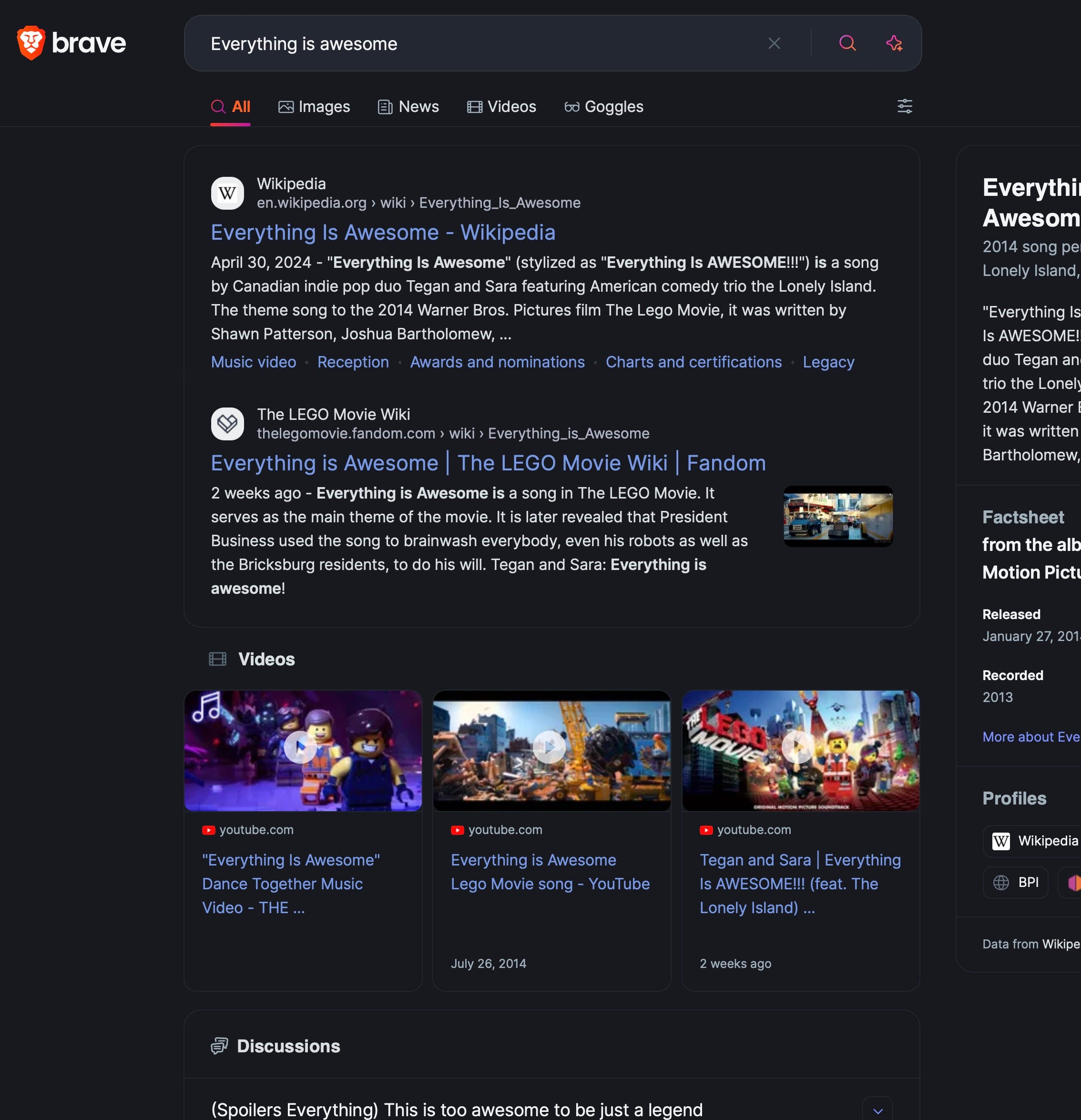
Now you are ready to search using your preferred search engine.
xSearch has many other features you can learn about if you’d like, but this is the fastest way to force Safari to do what you want and get away from Google.
Enjoy!